A virtual landline and a VoIP phone system can both give a UK business a better phone setup than a personal mobile number. They solve different problems, though, and choosing the wrong one can make a simple call-handling job feel bigger than it needs to be.
The short version: a virtual landline is usually best when you want one professional business number that forwards calls to mobiles, voicemail or a small team. LineHQ can now add optional app/SIP devices and Professional Calling for lighter outbound needs. A full VoIP phone system is better when you need desk phones for every user, heavy call queues, complex extensions, deep reporting and broader admin control.
If you mainly need one number that forwards to existing phones, compare LineHQ virtual landlines with the business phone number page. If you are choosing between simple forwarding and a landline-style setup, the call forwarding vs virtual landline guide is the sharper comparison. Check pricing before choosing features.
For many sole traders and small businesses, the right answer is not the most technical one. It is the setup that helps customers reach you, keeps your personal mobile private, and does not turn phone calls into a project.
What is a virtual landline?
A virtual landline is a landline-style business number that is not tied to a physical phone line. Customers dial a normal UK number, such as a local 01 or 02 number, and the call is routed to wherever you choose.
That might be your mobile during working hours, voicemail when you are busy, or another person in the team if you cannot answer. You keep one public business number, but you are not stuck with one desk or one address.
This suits businesses that want the trust of a landline number without installing a traditional landline. It is also useful if you already have a known business number and want to move it into a more flexible setup through number porting.
What is a VoIP phone system?
A VoIP phone system carries calls over an internet connection rather than a traditional phone line. In practice, it can mean desk phones, softphone apps, team extensions, call queues, hunt groups, voicemail, outbound calling and admin controls for multiple users.
That extra control can be valuable. If a business has a receptionist, a sales team, support staff and several departments, a VoIP phone system can help route calls properly and make outbound calling look consistent.
It can also be more setup than a small business needs. If the main job is "make my business number ring my mobile and catch missed calls", a virtual landline may be cleaner.
Virtual landline vs VoIP: the practical difference
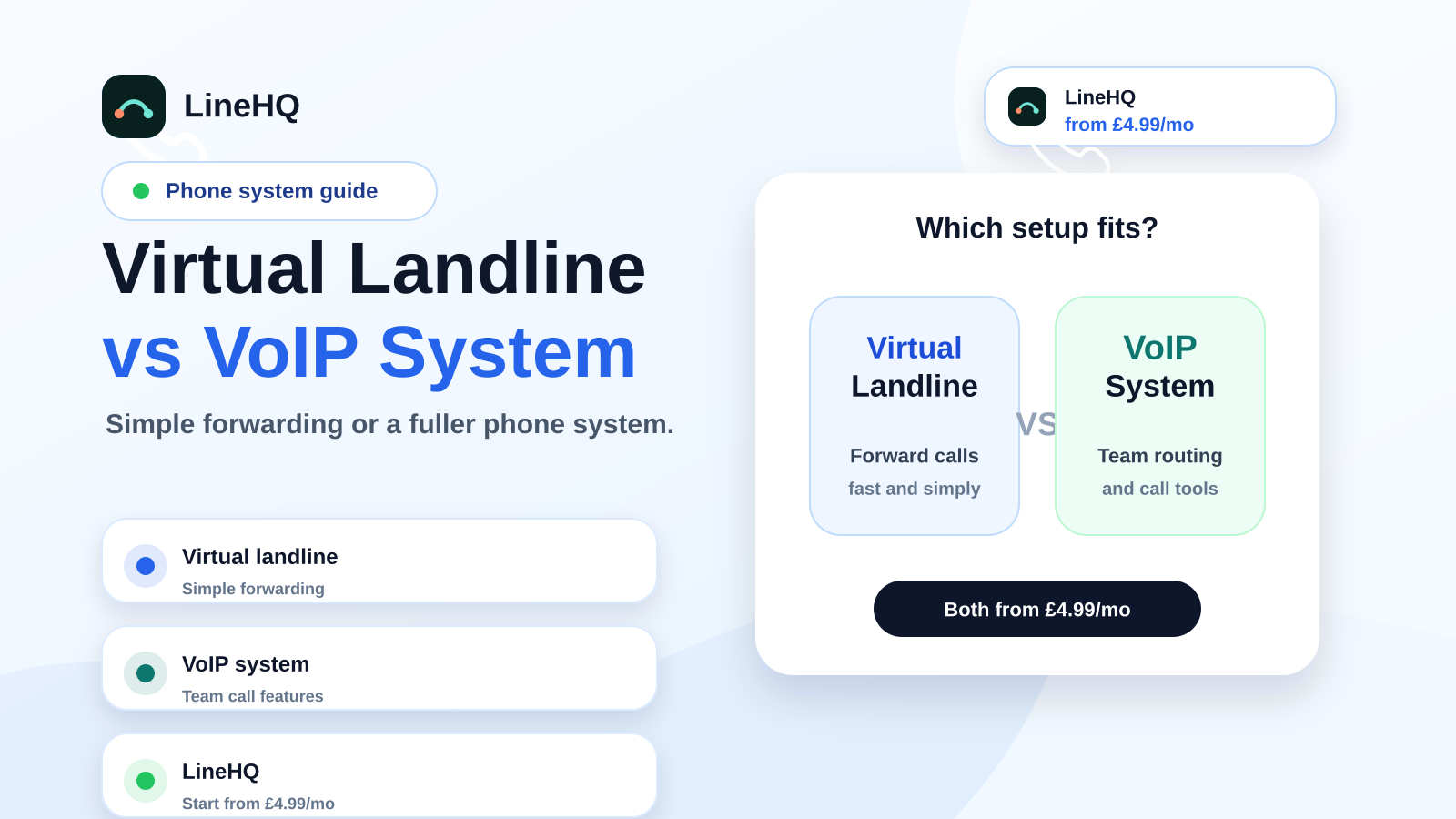
The difference is less about the technology and more about the level of phone system you need.
| Need | Virtual landline | VoIP phone system |
|---|---|---|
| One professional business number | Usually ideal | Also possible |
| Forward calls to a mobile | Usually simple | Possible, often with more settings |
| Desk phones and extensions | Usually not the main use | Often a good fit |
| Several departments or call queues | Limited | Better suited |
| Fast setup for a sole trader | Strong fit | May be more than needed |
| Outbound team calling | Light outbound via app/SIP devices with Professional Calling | Better for heavy sales-dialler or extension-led workflows |
When a virtual landline is the better fit
A virtual landline is usually the better choice when you want a business number that works around how you already work.
For a sole trader, that may mean using a local number on a website, Google Business Profile and invoices, while calls still reach a mobile. For a trades business, it can mean looking local and professional without putting a personal mobile number on every advert. For a consultant or small service business, it keeps work calls separate from private calls.
It also works well for remote businesses. You do not need to be sitting in an office to answer the office number. The number can follow the business, not the building.
LineHQ's virtual landline setup is built for this kind of use: a UK business number, mobile-friendly call routing, missed-call visibility and simple controls without a long phone-system rollout.
When a VoIP phone system is the better fit
A full VoIP phone system makes sense when the phone is part of a team workflow.
If you have staff answering calls from different locations, need extensions for departments, want desk phones, run call queues, or need more detailed reporting, a broader phone system can be worth it. It gives structure to a business where calls need to be distributed, tracked and managed across several people.
It is also useful when heavy outbound calling matters. Sales teams, account managers and support staff may need dialler workflows, transfers, notes and shared reporting. For lighter return calls from the business number, LineHQ Professional Calling can cover the gap through the LineHQ app or a SIP/desk-phone device.
For that kind of business, LineHQ's small business phone system page is a better starting point than a basic forwarding-only setup.
What about call forwarding?
Call forwarding sits in the middle. It is the feature that makes many virtual landline setups useful.
A customer calls your business number. The platform forwards the call to a mobile, another landline, a team member or voicemail. You can usually set business hours, fallback rules and missed-call handling, so calls do not simply disappear when you are unavailable.
This is often enough for small businesses. A plumber on site, a beauty clinic between appointments, or a startup founder working from a mobile does not always need desk phones and extensions. They need calls to reach the right person and missed enquiries to be visible.
If forwarding is the main requirement, start with LineHQ's call forwarding service rather than buying a larger system too early.
Can you keep an existing landline number?
Often, yes. If customers already know your number, number porting can move it from an old provider into a newer virtual or VoIP setup.
The important rule is simple: do not cancel the old service before the port completes. The porting process normally needs accurate account details and a clean request. If the number matters to your business, treat the move carefully and keep service live until the transfer has finished.
Once the number is ported, you can route calls in a more flexible way while keeping the number customers already recognise.
Which one should you choose?
Choose a virtual landline if you mainly need a professional UK number that can ring your mobile, separate work from personal calls, and handle missed calls. It is the simpler route for sole traders, tradespeople, consultants, appointment businesses and small teams that do not want a heavy phone setup.
Choose a VoIP phone system if you need several users, desk phones, extensions, queues, team reporting or a more structured outbound calling setup. It can do more, but that only helps if you genuinely need the extra controls.
Many businesses start with a virtual landline and add more phone-system features later. That is a sensible path. Calls get answered now, the number stays consistent, and the setup can grow when the team does.
Set up a business number with LineHQ
If you want a professional UK number without a traditional landline, start with LineHQ's virtual phone numbers or virtual landline options. You can route calls to your mobile, keep your personal number private and build a phone setup that matches the size of your business.
If you need a broader setup for several users, compare that with the small business phone system option before you decide.