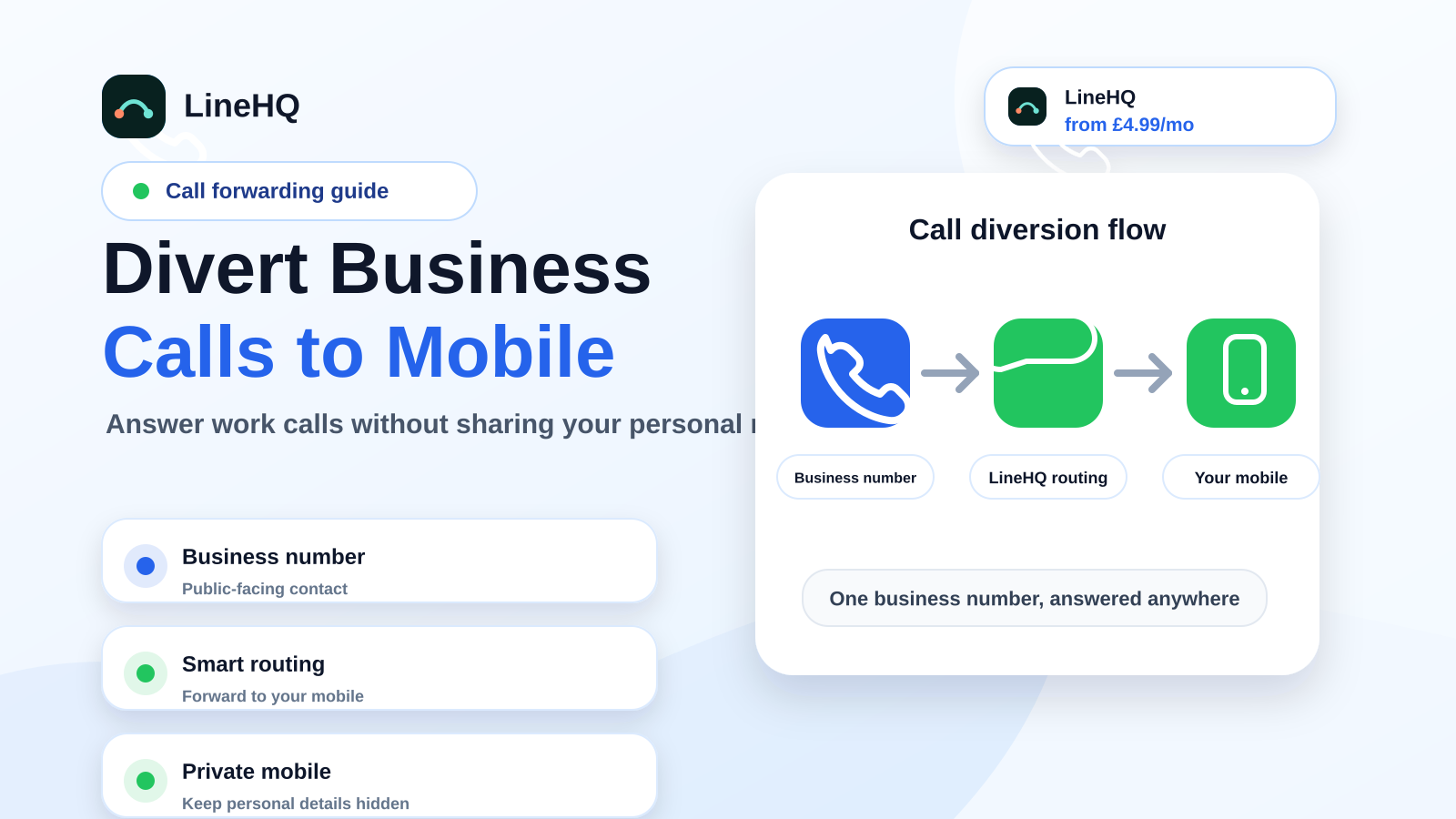
To divert business calls to your mobile, use a UK business number that forwards to your mobile instead of publishing your personal number. Customers dial the business number, you choose where it rings, and missed calls can fall back to voicemail, another teammate or an out-of-hours message.
This keeps the setup simple for you and clearer for callers. You can still answer on the phone you already use, while the public number stays stable if your mobile, team or working hours change.
What does diverting business calls to your mobile mean?
Call diversion, often called call forwarding, sends calls from one number to another. For a small business, that usually means a public business number forwarding to your mobile.
The customer does not need to know the mobile number behind it. They call your business number, such as a local 01/02 number, an 0333 number or an 0800 number. LineHQ then routes that call to the mobile, landline, team member or voicemail you have chosen.
That gives you a proper business contact number without needing a desk phone, fixed office line or separate work mobile.
Why not just publish your mobile number?
Plenty of businesses start that way. It is quick, cheap and familiar. The problem is that it becomes messy as soon as the business grows or your working pattern changes.
- Your personal number ends up on public directories and old adverts.
- Work calls and private calls arrive in the same place.
- You cannot easily change who answers without changing the public number.
- It looks less established than a local or national business number.
- Missed calls are harder to track as proper business enquiries.
A virtual business number gives you a layer between the customer and your personal phone. You can keep the number if you change mobile, add another person, move area or stop answering calls yourself.
Is a virtual business number better than a second SIM?
| Option | Best for | Watch-out |
|---|---|---|
| Personal mobile | Testing demand before calls matter | Your private number spreads across directories and old customers |
| Second SIM | One person who wants a separate handset or SIM | Harder to route calls to someone else later |
| Virtual business number | Keeping one public number while calls ring your mobile or team | You still need a plan for missed calls and out-of-hours routing |
If you are weighing the options, compare a business phone number, a virtual number vs second SIM, and sole-trader virtual number setups. See pricing before adding call recording or voicemail-to-email.
How to set up call forwarding to your mobile
The setup is usually simple. You choose a business number, set the destination number, then decide what should happen when you are busy or closed.
1. Choose the right business number
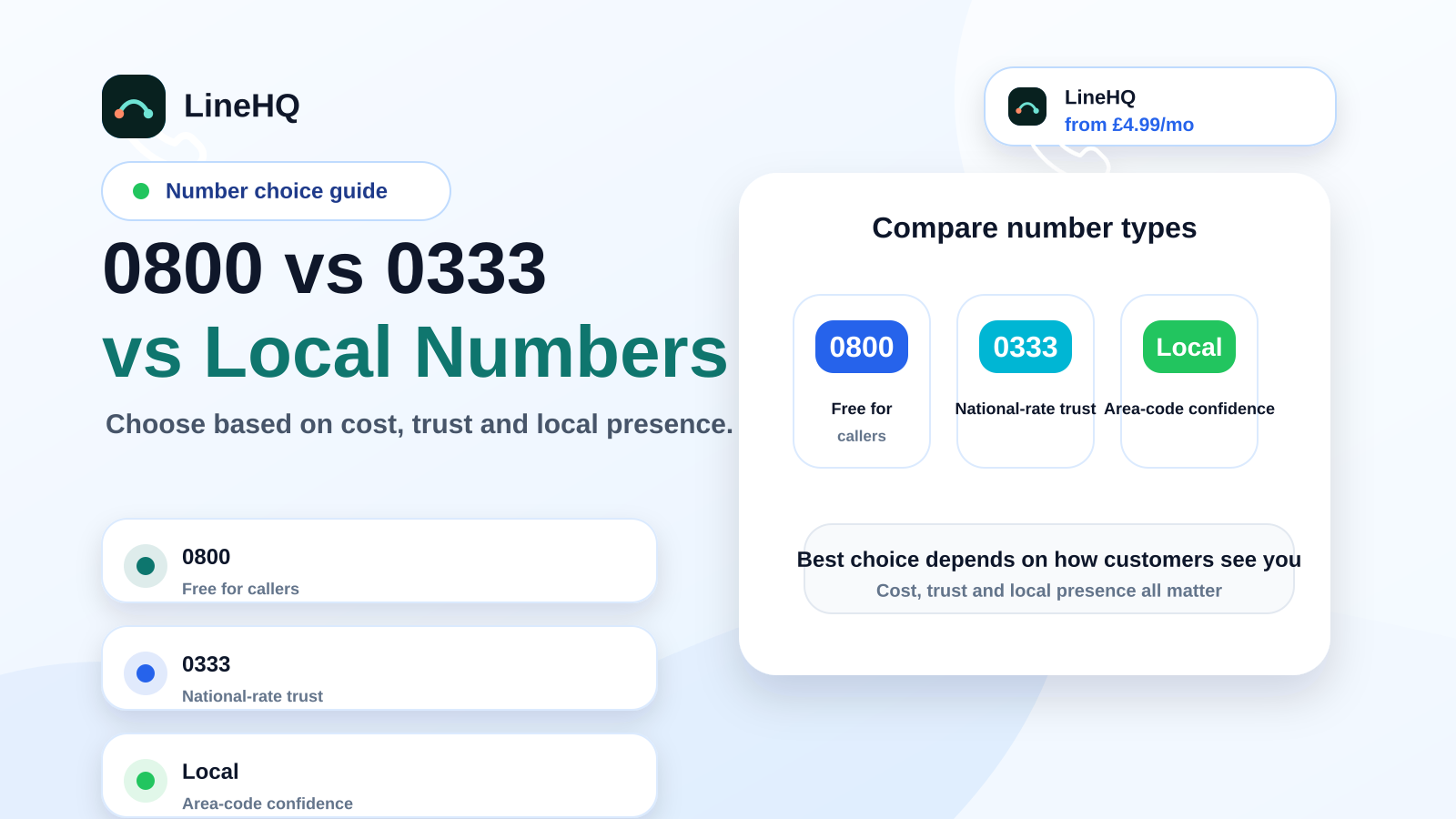
A local 01/02 number can work well if customers want to see a nearby business. An 0333 number gives a national feel without using a premium-rate number. An 0800 number can suit sales lines or campaigns where free-to-call matters.
If you already have a landline number customers know, you may be able to move it into a virtual setup through number porting. Do not cancel the old service before the port completes.
2. Send calls to the right mobile
For a sole trader, the destination may simply be your own mobile. For a small team, calls might ring one person first and then another if there is no answer.
This is useful for trades, consultants, appointment businesses and mobile service providers. A plumber can answer calls on site. A consultant can take calls between meetings. A clinic owner can send calls to reception during the day and to voicemail after hours.
3. Set business hours
Business-hours routing stops your phone becoming a 24-hour front desk. You can send calls to your mobile during opening hours, then route them to voicemail, an announcement or another destination when you are closed.
This matters more than people think. A customer still gets a professional response, and you do not have to decide whether to answer a work call at 9pm from your personal phone.
4. Add a missed-call fallback
If you are on another job, in a meeting or driving, the call should not just ring out. A fallback can send the caller to voicemail, email you a voicemail notification, or route the call to another person.
Missed-call handling is where a basic mobile-only setup often falls down. The customer may not leave a message, and you may not know whether the missed call was a serious enquiry or a cold sales call.
What customers see when calls are diverted
The customer sees and dials the business number you publish. They do not need your personal mobile number.
Depending on your setup, you may also be able to tell that an incoming call has come through the business number. That helps you answer in the right way, especially if you use the same mobile for personal calls.
If you call customers back and want them to see your business number, check outbound calling as well as inbound forwarding. On LineHQ, outbound calling is handled by Professional Calling through the LineHQ app or a SIP/desk-phone device: access is included on Mobile, Reception and Scale with no separate access fee, and Pay As You Go is not self-serve. Outbound calls are billed from calling credit at 5p/min and can present an eligible LineHQ number as caller ID.
Do you need call recording?
Some businesses want calls recorded for training, dispute resolution or checking appointment details. That can be useful, but it needs to be handled properly.
For UK businesses, call recording should be announced clearly where required, used for a legitimate reason, stored securely and kept only as long as needed. If you work in a regulated sector or handle sensitive information, get proper legal advice before switching recording on.
For many small businesses, voicemail-to-email and missed-call records are enough. Recording is helpful when there is a real reason for it, not just because the feature exists.
Examples of when mobile call forwarding works well
- Tradespeople: publish a local business number, take calls on site, and keep your personal mobile private.
- Consultants: use one public number on your website and proposals, even if calls ring your mobile.
- Clinics and salons: route appointment calls to reception during the day and voicemail after closing.
- Startups: look more established before you have an office or full phone system.
- Remote teams: send the same business number to whichever person is covering calls that day.
What to check before you switch
Before you publish a new number everywhere, check the basics:
- Which UK number type best fits your customers?
- Can calls forward to one mobile, several mobiles, or a fallback route?
- Can you set opening hours?
- What happens when the mobile is busy, switched off or out of signal?
- Are voicemail and missed-call notifications included?
- Can you keep or port an existing business number?
- How are call costs and forwarding charges handled?
The right setup should make calls easier to manage, not add admin. If you only need a number that rings your mobile and catches missed calls, keep the system simple.
Set up a business number that rings your mobile
LineHQ's call forwarding service lets you route a UK business number to your mobile, voicemail or another destination without giving out your personal number.
If you are choosing a new number, start with virtual phone numbers. If customers already know your landline, look at virtual landline options so the number can move with the business.
The aim is simple: one professional number, fewer missed calls, and a cleaner boundary between work and your personal phone.