Many small businesses keep the same phone number for years. It is printed on vans, invoices, Google Business Profile listings, email signatures and old customer records. So when the time comes to move away from a traditional landline, the obvious worry is simple: will customers still be able to call the number they already know?
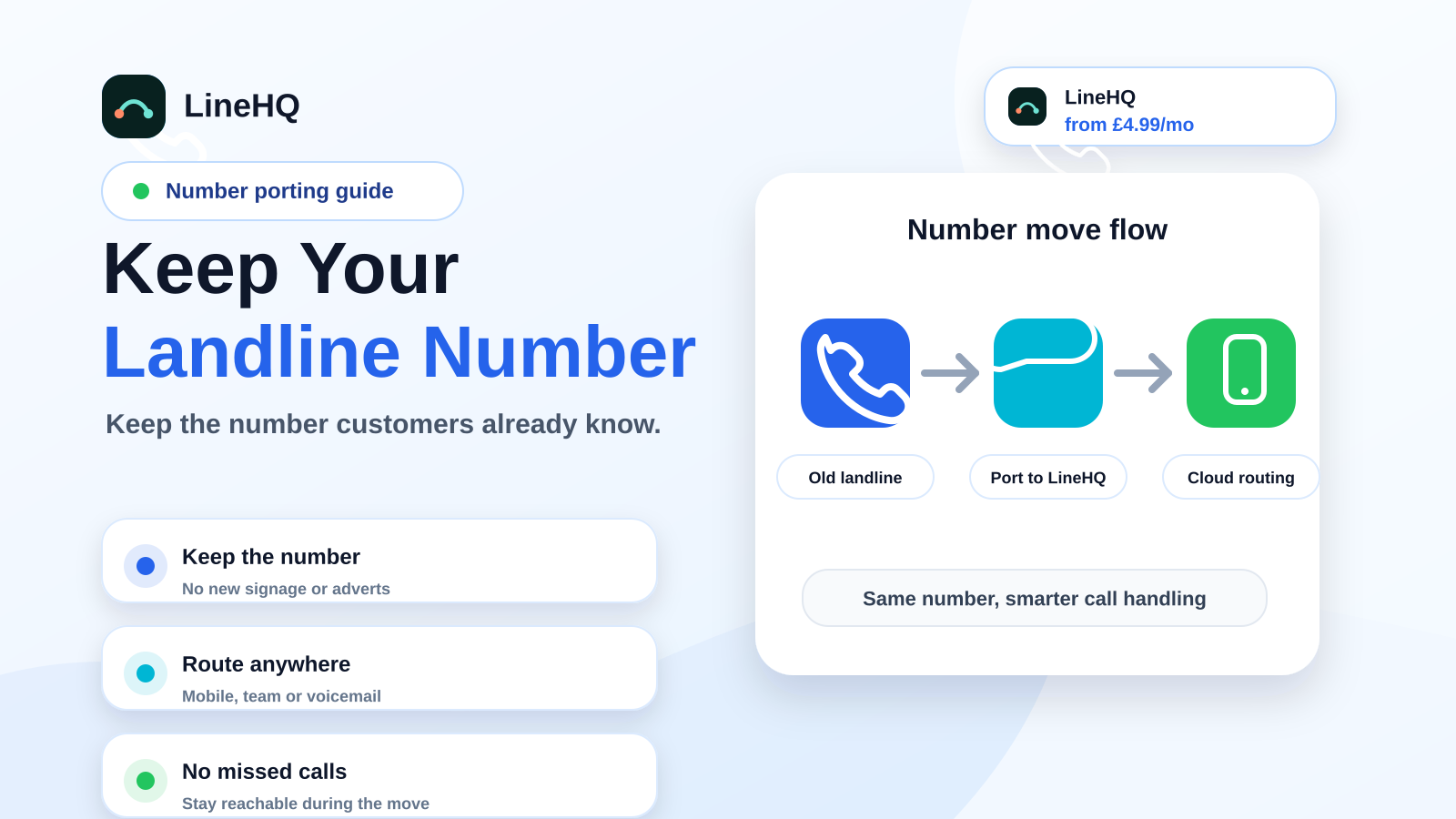
In most cases, yes. You can move a UK landline number to VoIP or a virtual phone system through a process called number porting. Done properly, it lets you keep the same 01 or 02 number while routing calls through a modern cloud phone service instead of an old copper line.
This guide explains how number porting works in plain English, what details you need before starting, how to avoid downtime, and why you should not cancel your old provider too early.
The golden rule is simple: do not cancel the old service before the port completes. Start with number porting, check anything affected by the PSTN switch-off, and compare LineHQ pricing before changing the service that currently carries the number.
What does it mean to port a landline number to VoIP?
Porting means moving your existing phone number from one provider to another. The number stays the same, but the provider responsible for routing calls changes.
For example, a Hull business with an 01482 number might move that number from a legacy landline provider to a virtual phone service. Customers still dial the same number, but incoming calls can now be sent to mobiles, voicemail, call recording, a virtual receptionist or a small team setup.
The key point: porting is different from buying a new number. A new number can usually be live very quickly. A ported number needs checks between the old provider, the gaining provider and the wider UK telecoms network.
Can every landline number be moved?
Most UK geographic landline numbers can be ported, including standard 01 and 02 business numbers. Many non-geographic numbers, such as 0333 and 0800 numbers, can also be moved, but the rules and timings may vary by provider.
There are a few cases that need extra care:
- Numbers tied into a wider broadband or phone bundle.
- Numbers that sit behind an ISDN, SIP trunk or multi-line setup.
- Numbers with several linked services on the same billing account.
- Numbers where the business name or address no longer matches the losing provider's records.
If the number is important, check before making changes to the old account. A quick porting check is much safer than assuming the number is portable after cancelling services.
What information do you need for number porting?
Your new provider will usually ask for enough information to match the number against the losing provider's records. Small mismatches can delay a port, so it is worth copying the details from a recent bill rather than typing them from memory.
You may need:
- The phone number or number range you want to move.
- The current provider name.
- The account holder or business name exactly as shown on the bill.
- The service address linked to the number.
- A recent bill or account document.
- Written authorisation from the account holder.
- Details of any broadband, alarm, card machine or other service attached to the line.
That last point matters. Some businesses still have old services sitting on a phone line without realising it. If broadband, payment terminals or alarms depend on the same line, plan those changes before the number moves.
How long does porting take?
Timings vary. A straightforward single-line port can often be completed in a matter of working days once the request is accepted. More complex ports, number ranges or mismatched records can take longer.
The slowest part is usually not the technical switch. It is getting the details accepted by the losing provider. If the address, account name or number type does not match, the port can be rejected and resubmitted.
A good provider will tell you what is missing rather than leaving you guessing.
How to avoid downtime during the move
There is normally a short switch window when the number moves from the old provider to the new one. The aim is to keep that window as small and controlled as possible.
To reduce risk:
- Keep the old service active until the port has completed.
- Set up your new call routing before the port date.
- Test the destination numbers, voicemail and opening hours in advance.
- Pick a port date when missed calls will cause the least disruption.
- Have a temporary fallback number ready if the old provider allows call diversion.
- Tell staff what to expect on the day, especially if they answer calls on mobiles.
For a small business, the biggest mistake is treating the port as just paperwork. The number move and the call handling setup should be planned together.
Do not cancel your old provider first
This is the bit worth repeating. Do not cancel the old line before the port is complete.
If you cancel first, the number may be ceased, quarantined or returned to the provider's pool. Recovering it can be slow, awkward or sometimes impossible. Even when recovery is possible, it can mean extra admin and avoidable downtime.
The safer order is:
- Choose your new phone service.
- Submit the port request with accurate account details.
- Wait for confirmation and a port date.
- Move the number.
- Test incoming calls.
- Then close or amend the old service once everything is working.
If your old line also carries broadband, make sure you understand what happens to that broadband service when the number leaves.
For a fuller project plan, use the step-by-step guide to porting a UK business number with no downtime before you submit the request.
What happens after the number is ported?
Once the port completes, calls to the old landline number route through the new provider. With a virtual phone system, that usually means you can send calls to one or more mobiles, add voicemail-to-email, record calls where lawful, or set business hours.
This is where many businesses get the real benefit. Keeping the number protects customer recognition. Moving it to a modern setup makes it easier to answer calls away from the office.
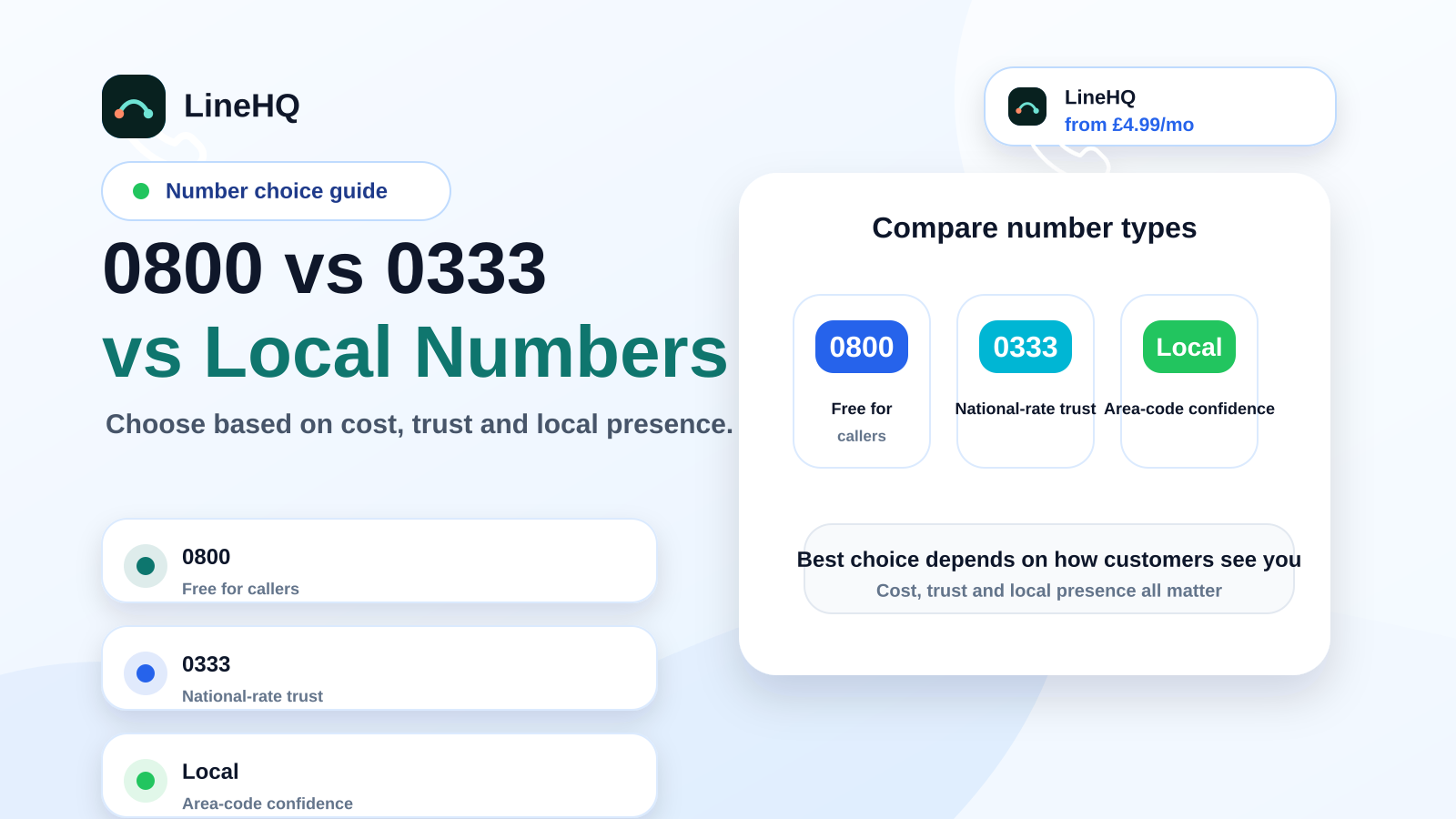
If you mainly need a professional number that diverts to mobile, LineHQ's virtual landline setup is the simplest route. If you are ready to move an existing number, the number porting page explains how LineHQ handles the switch. You can also compare number types in our guide to 0800, 0333 and local numbers.
Checklist before you request a port
Before submitting a port request, check these points:
- You have a recent bill from the current provider.
- The account name and service address are correct.
- You know whether the number is single-line, multi-line, ISDN, SIP or part of a range.
- You have checked whether broadband or other services are linked to the line.
- Your new call routing is ready before the port date.
- You have not cancelled the old service.
That short checklist prevents most avoidable porting delays.
Frequently asked questions
Can I keep my landline number if I no longer want a physical landline?
Yes, in most cases. You can port the number to a VoIP or virtual phone provider and route calls through the internet or to mobiles instead of a physical landline.
Will customers notice the move?
They should not need to dial anything different. The number stays the same. The main customer-facing difference is how quickly and professionally calls are answered after the move.
Can I port a home landline used for business?
Often, yes, but it depends on the provider and account setup. Make sure the account holder authorises the port and check whether broadband is attached to the line.
Can I still make outbound calls showing the same number?
Many VoIP providers can present the ported number as caller ID, subject to verification and provider rules. Ask before the port if outbound caller ID is important to your business.
What if the port is rejected?
A rejection usually means the details do not match the losing provider's records, or the number has a service arrangement that needs extra handling. Correct the details and resubmit rather than cancelling the line.
Keep the number. Change the setup.
Moving to VoIP should not mean starting again with a new phone number. With the right porting process, you can keep the number your customers know and move calls into a setup that suits how your business works now.
If you want to keep your existing landline number and route calls to mobiles, voicemail or a small team, LineHQ can help with UK number porting and simple virtual landline call handling.