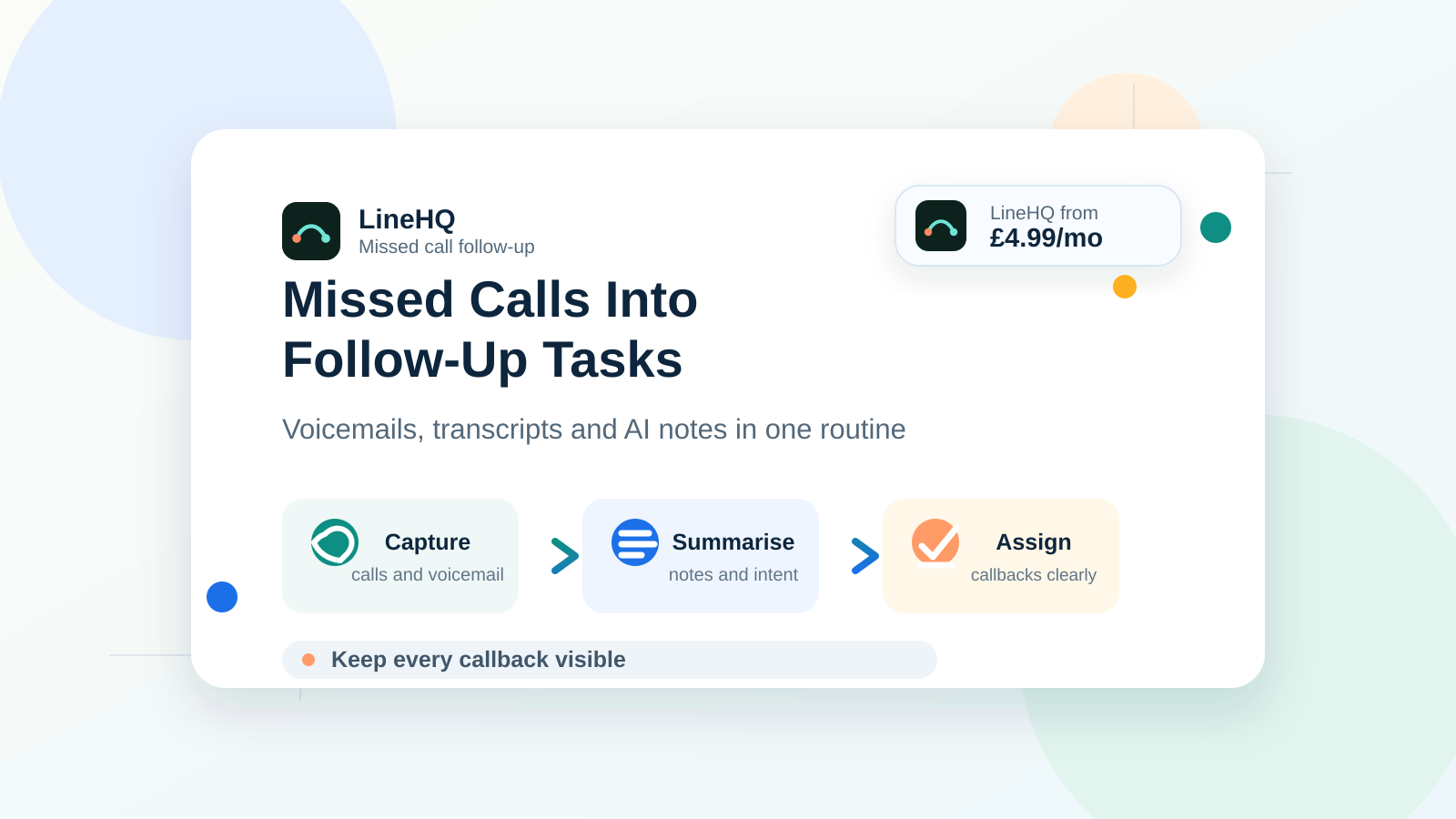
Missed call follow up works best when every missed call, voicemail and call note lands in one place, then gets turned into a clear callback task. For a small business, the aim is simple: know who called, what they wanted, how urgent it sounded, and who needs to ring them back.
Most missed calls are not ignored on purpose. They get lost because the information is scattered. One person sees the missed call notification, another hears the voicemail, someone else remembers a note from yesterday, and by the time anyone follows up the customer has tried a competitor.
LineHQ helps by keeping calls, voicemails, recordings, transcripts and AI notes together, so follow-up becomes a daily routine instead of a memory test.
Why missed calls turn into lost opportunities
A missed call is often a live buying signal. It might be a new enquiry, an existing customer chasing a job, a patient trying to move an appointment, or a supplier calling about something time-sensitive.
If you want the commercial case first, read LineHQ's guide to the true cost of a missed call for UK small businesses. This guide focuses on the routine that stops those calls being forgotten.
The problem is not only the missed call itself. The bigger problem is the gap after it:
- no one knows whether the caller left a useful voicemail
- the message is heard once, then forgotten
- the person who should call back does not see the context
- urgent calls sit in the same pile as routine calls
- there is no shared record of what happened next
That is why missed call management needs more than a list of missed numbers. It needs a small follow-up system.
Step 1: capture every call and voicemail in one place
Start with the basics. Your team needs one shared place where missed calls and voicemails are visible. If the information only sits on one mobile, it is too easy for the wrong person to miss it.
A setup like voicemail to email can help because messages are not trapped on a handset. The voicemail can be sent to the right inbox, shared with the team, and kept with the rest of the customer record.
If calls need to reach several people before they become missed calls, use call forwarding or a small ring group. That gives someone else a chance to answer before the caller hits voicemail.
Step 2: use transcripts to find the exact request
Voicemail follow up gets much easier when you can read the message instead of replaying it. A transcript lets you scan for the caller's name, company, date, job reference, address, booking time or complaint.
This matters when a team handles a lot of calls. You do not want staff replaying long messages just to find one detail. A searchable transcript gives them the bit they need quickly.
If you record business calls, call recording can also support this workflow. Recordings and transcripts are useful when a caller says "I spoke to someone yesterday" and the team needs to check what was actually agreed.
For UK businesses, make sure your recording and transcript use matches your privacy notices and internal policy. If you need a starting point, read LineHQ's guide to UK call recording rules for small businesses.
Step 3: use AI call notes to summarise the next step
Transcripts are useful, but they can still be longer than a team member needs. AI call notes can turn the call into a short summary, such as:
- customer wants a quote for an emergency repair
- caller asked to move an appointment to Thursday
- existing customer is unhappy about a delayed delivery
- new lead asked for prices and wants a call back today
That turns a voicemail or call recording into something the team can act on. The note should not replace human judgement, but it can stop the important point being buried in a long message.
For many small teams, the win is speed. The person calling back can see the likely reason for the call before they dial, which makes the conversation calmer and more useful.
Step 4: prioritise urgent or unhappy callers with sentiment
Not every missed call needs the same response. A general sales enquiry can usually wait longer than a complaint, failed delivery, urgent repair or appointment issue.
Sentiment signals can help you spot calls that sound frustrated, worried or urgent. This is not about treating AI as perfect. It is about giving the team another clue when deciding which callback comes first.
A simple priority list might look like this:
| Call type | Follow-up priority | Suggested action |
|---|---|---|
| Complaint or unhappy customer | High | Call back quickly and review the transcript first |
| New sales enquiry | High | Call back while the buyer still remembers you |
| Appointment change | Medium | Check the date and confirm by text or email |
| Routine supplier update | Low | Add to the normal admin list |
Step 5: build a simple daily callback routine
The best customer follow-up system is the one your team will actually use. Keep it plain.
- Check missed calls and voicemails at fixed times each day.
- Read the transcript or AI note before calling back.
- Mark urgent or unhappy callers first.
- Assign each callback to one person.
- Record the outcome after the call.
For a very small team, that routine might happen twice a day. For a busier business, it may need to happen every hour. The exact timing matters less than the habit.
If you already use a small business phone system, the callback routine should sit inside your normal call workflow, not in a separate spreadsheet that nobody checks.
Example workflow for a busy small business
Imagine a local service business that gets calls while staff are on jobs. Three calls come in while everyone is busy:
- a new customer asks for a quote
- an existing customer leaves a voicemail about a missed appointment
- a supplier calls with a delivery update
Without a system, those calls are just three missed numbers. With LineHQ, the team can see the voicemail, transcript and AI summary. The unhappy customer gets called first, the quote request is assigned to sales, and the supplier note is handled later.
That is the difference between a missed call list and a follow-up process.
What to track each week
You do not need a complicated dashboard to improve missed call follow up. Track a few practical numbers:
- how many calls were missed
- how many had voicemail or useful call notes
- how quickly high-priority calls were returned
- how many missed calls became bookings, quotes or resolved issues
- which times of day create the most missed calls
If the same pattern keeps appearing, fix the route. You might need different opening hours on your voicemail, a better forwarding rule, or an extra person covering busy periods.
LineHQ pricing is simple enough for small teams that want this setup without paying for a heavy call centre platform. You can compare plans on the LineHQ pricing page.
FAQ
How quickly should I follow up a missed call?
For sales enquiries and unhappy customers, call back as soon as you can. If that is not possible, aim for the same working day and use voicemail, transcripts or notes so the person calling back understands the reason for the call.
Can voicemail be sent to email?
Yes. With a voicemail-to-email setup, voicemail messages can be sent to an inbox so the right person can listen, read the details and reply without checking a shared handset.
Can AI create call notes?
AI can help summarise calls, voicemails and transcripts into short notes. A person should still check the note before acting on anything sensitive, but it can save time and make callback tasks clearer.
What if the caller sounded unhappy?
Treat unhappy or urgent callers as high priority. Read the transcript or summary first, then call back with the right context. This is often better than returning the call cold and asking the customer to repeat the problem.
How do I stop callbacks being forgotten?
Use one shared callback list, assign each follow-up to a named person, and check it at fixed times each day. The system should show the missed call, voicemail, transcript or note in the same place.
Keep every callback visible with LineHQ
LineHQ brings business calls, voicemails, call forwarding, recording, transcripts and AI notes into one phone system for small teams. If missed calls are turning into lost enquiries, use LineHQ to keep every callback visible and easier to act on.